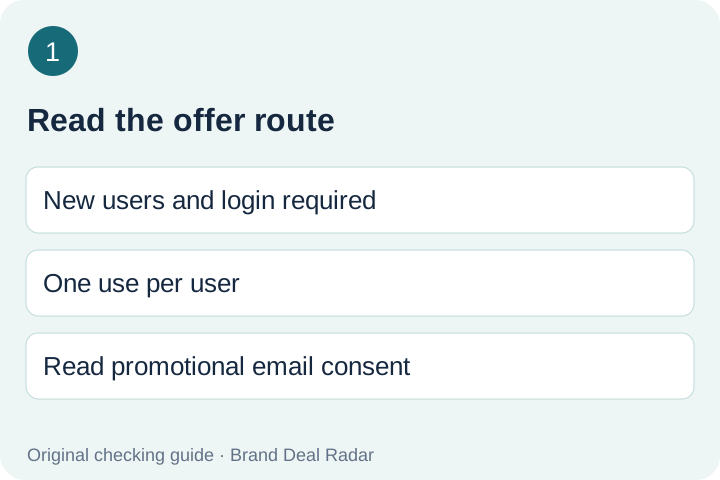
GetYourGuide advertises 10% off a first experience through an email-delivered code for new users. Login and one use per user are required; the official instructions use app checkout. Your code, eligible activity and expiry must be confirmed in the actual offer.
Updated 2026-11-19 · Official offer checked 2026-11-19 · No email or checkout submitted
The form says signing up agrees to promotional emails, with an unsubscribe or withdrawal option. Decide whether that exchange suits you; this guide does not submit your email or join a mailing list for you.
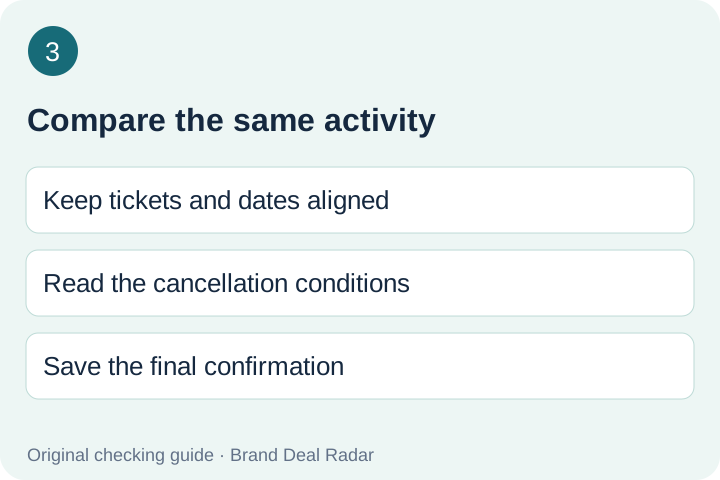
Before seeking a code, note the activity, visit date, start time, ticket type, participant mix and currency you intend to buy. Keep the cancellation conditions and meeting arrangements beside that record. These are your comparison inputs, not prices or guarantees supplied by this guide.
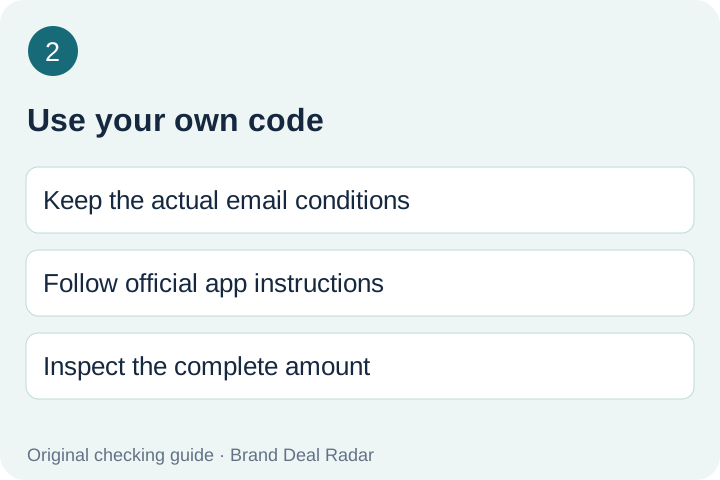
If you choose the email offer, keep the actual message together with that record. Treat it as the source for your personal code and any conditions missing from the public page. Do not fill a missing expiry with a date from another promotion.
Follow the official redemption route using your own account. Inspect the complete amount after entering the code, then confirm that the activity and options did not change. A discount message is not a substitute for reading the ticket and cancellation conditions.
If the offer fails, save the exact response without payment or account details. Ask support which condition is unresolved. A new account, a copied public string or a different booking option should not be used here as an assumed workaround.
Compare the complete activity choice
Record the complete amount displayed before and after your offer for the same activity selection. Keep fees and currency visible. Leave unread fields as unknown rather than turning the advertised percentage into an invented final price.
Compare a different experience separately. A different start time, participant category or cancellation rule can make two apparently similar activities different products. Your preference for an itinerary is a decision input, not an extra cash saving we can assign.
The booking link on this page is a separate way to browse activities. It does not submit the signup form, deliver a personal code or guarantee that the displayed offer applies. Keep those actions distinct as you move from research to booking.
The check in pictures
Read the offer routeUse your own codeCompare the same activity
GetYourGuide discount questions
Does GetYourGuide offer a code for a first booking?
The official page advertises 10% off a first experience after email signup, for new users with login and one use per user.